

How to connect Open VPN to iPhone
3
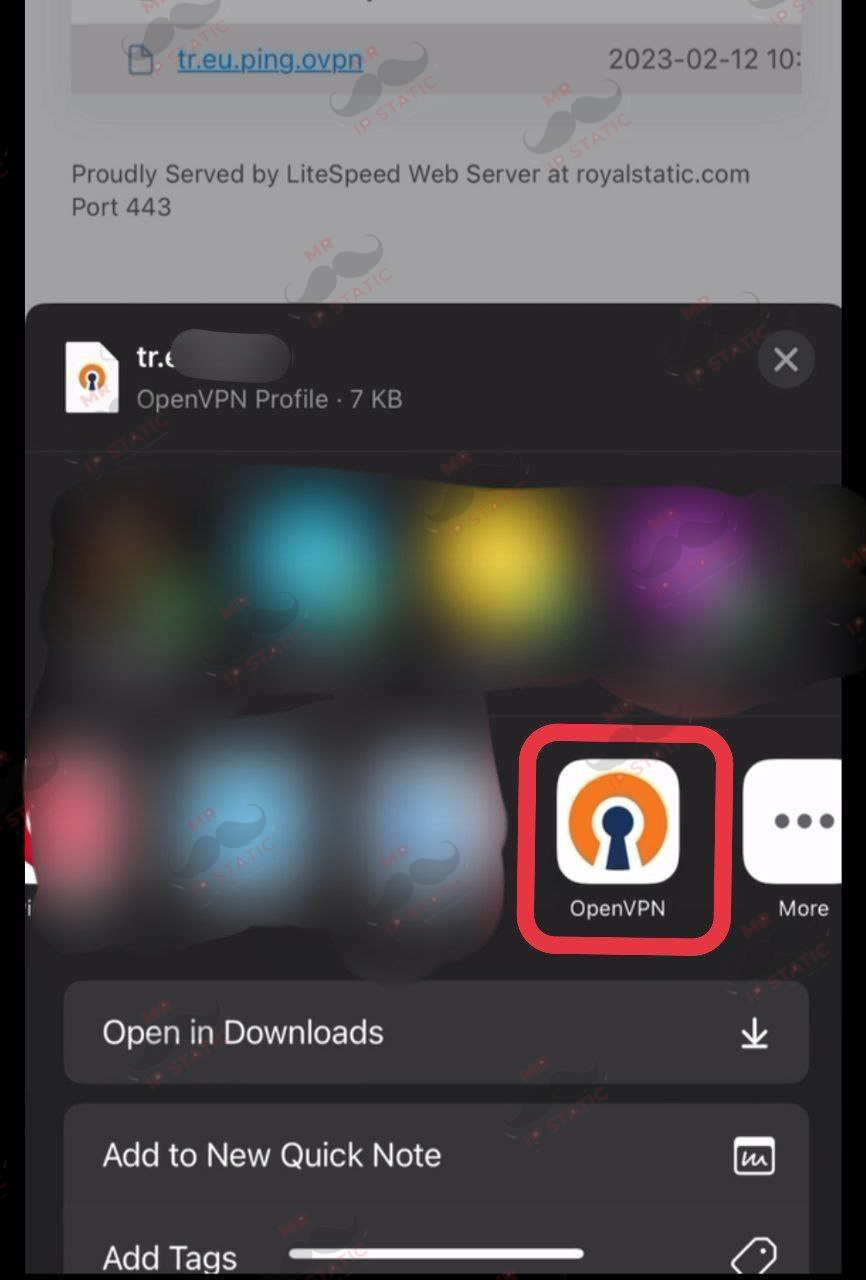
Run the configuration file after downloading and select Open VPN in the sharing option.
2
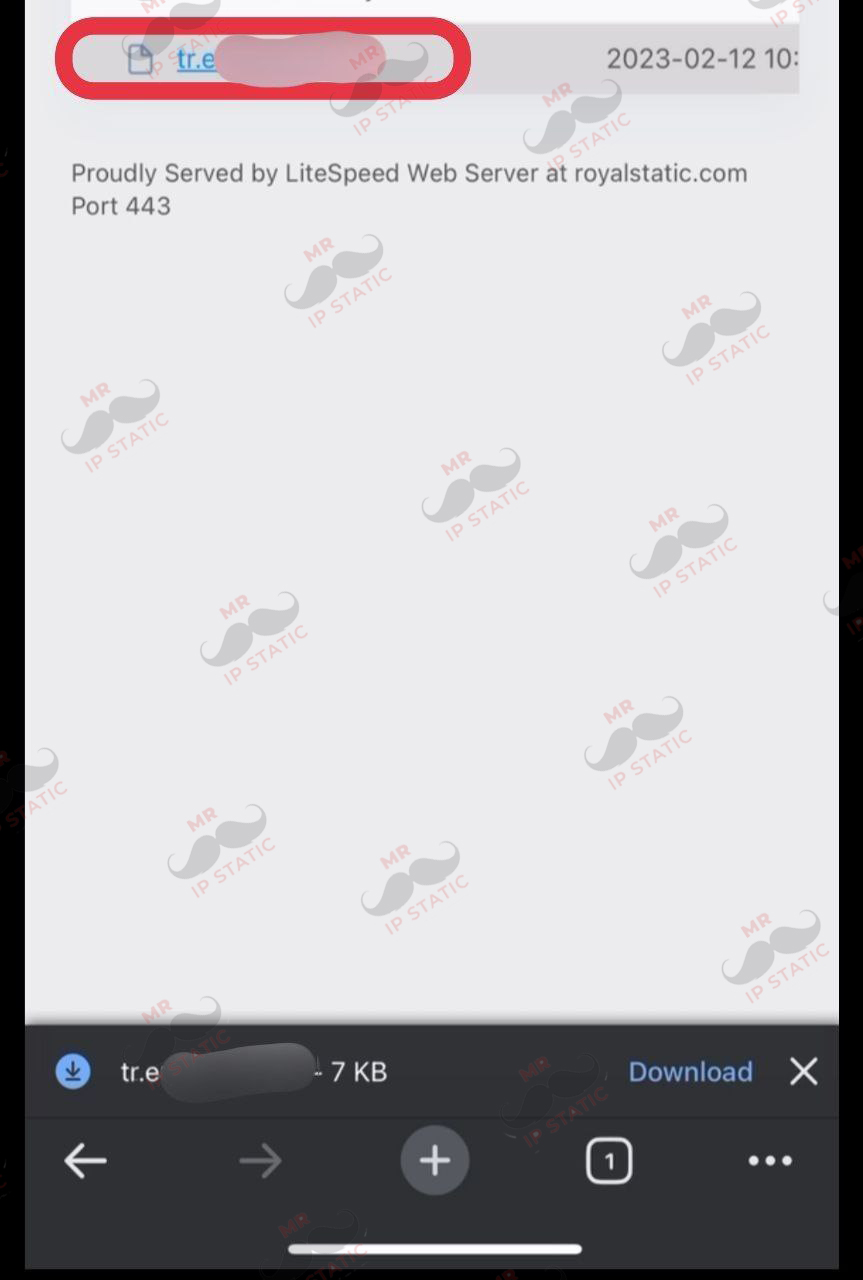
Download the Open VPN config file (the config file will be provided to you after purchase)
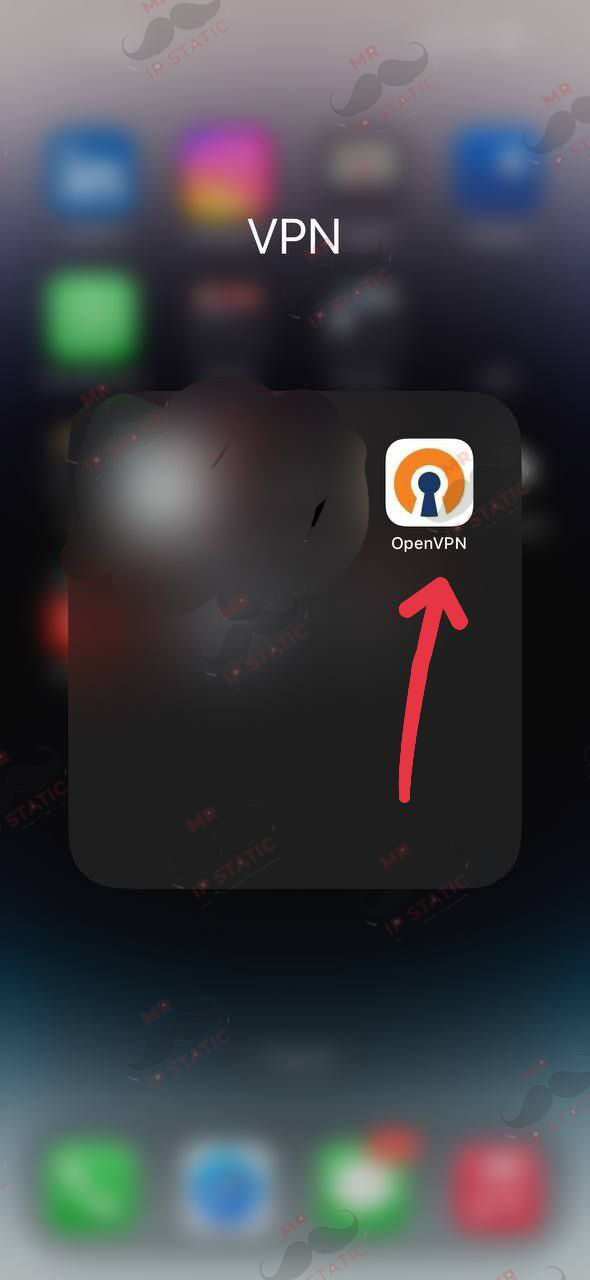
5
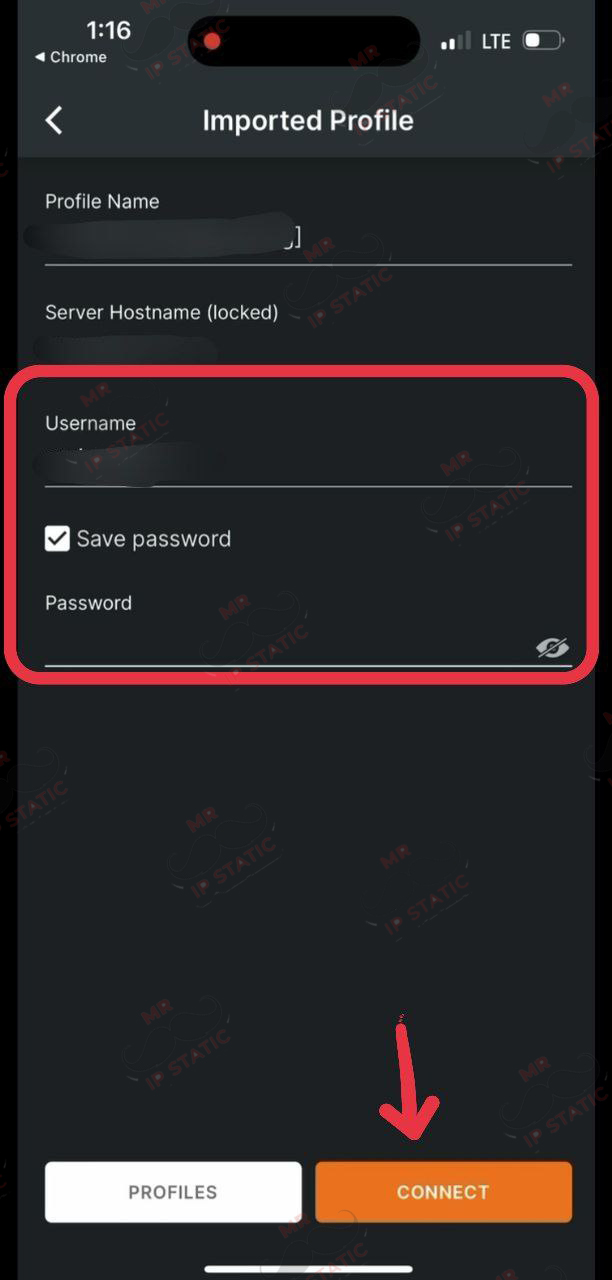
In this section, just enter your username and password that you purchased and click CONNECT at the bottom of the page.
4
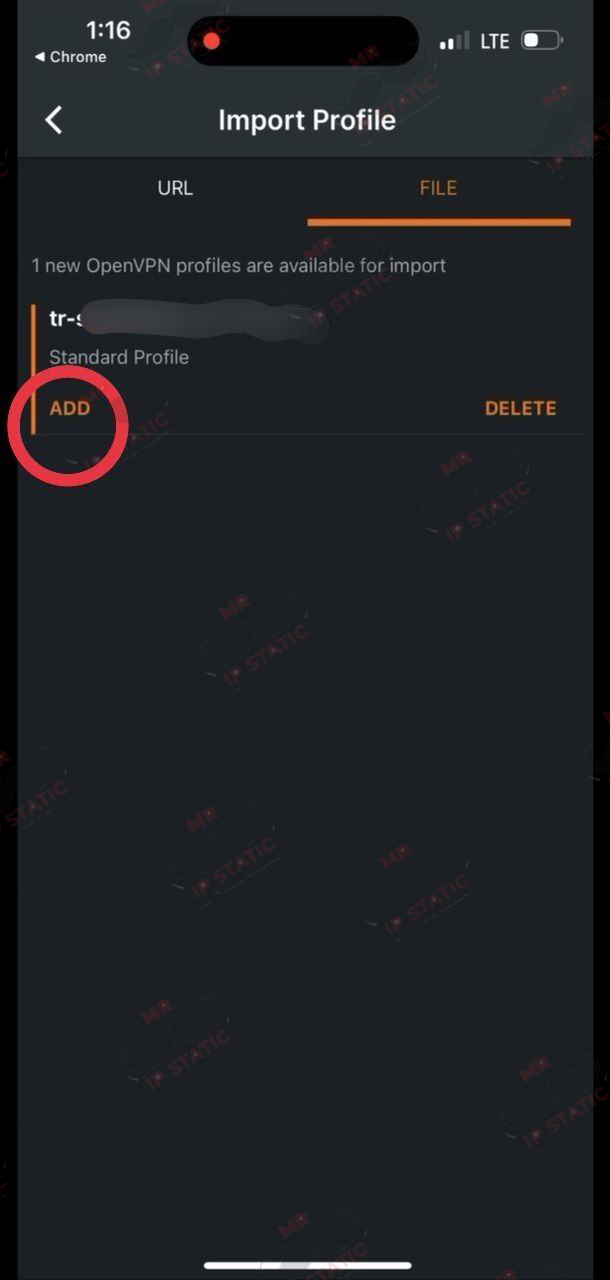
Click the ADD option.