

Android v2rayNG connection tutorial
2
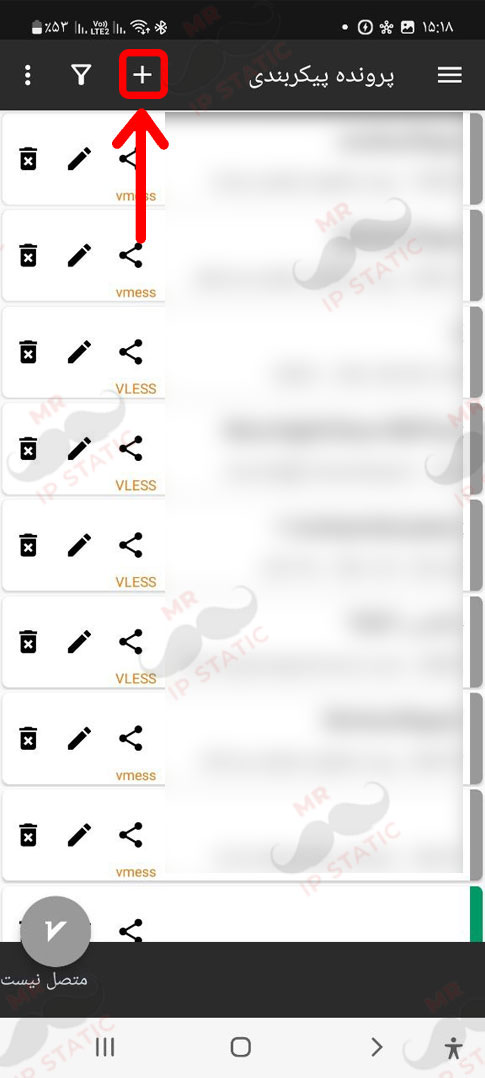
Select the + option at the top of the page.
1
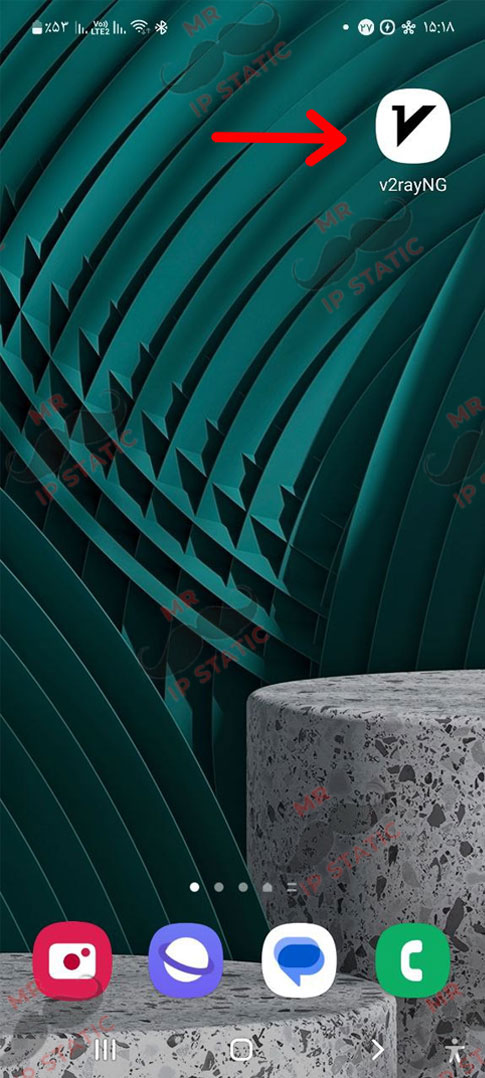
Install and run the v2rayNG software.
4
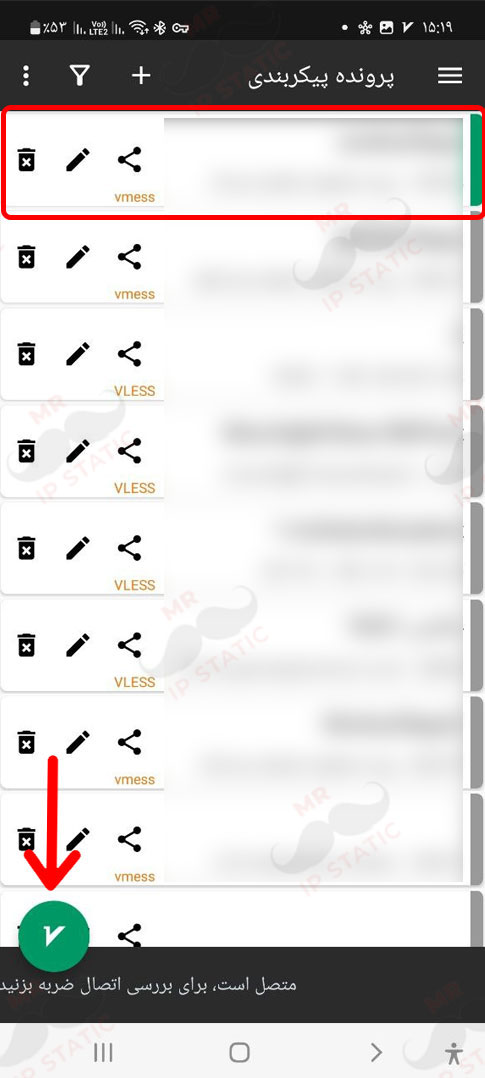
To connect, select the icon at the bottom of the screen so that it turns green.
3
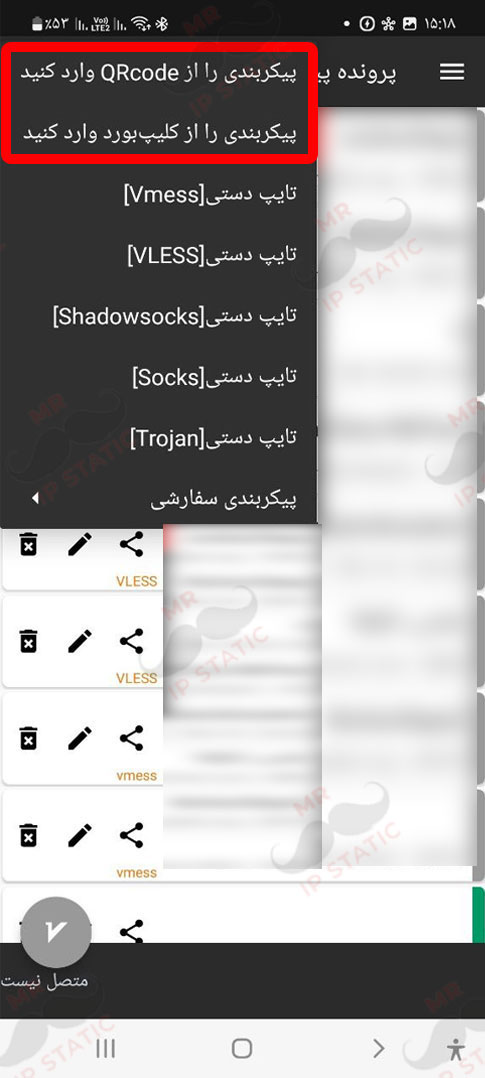
If you want to connect with a QR code, select the first option. If you want to connect with a code, copy the received code and select the second option.