

iPhone L2TP connection tutorial
3
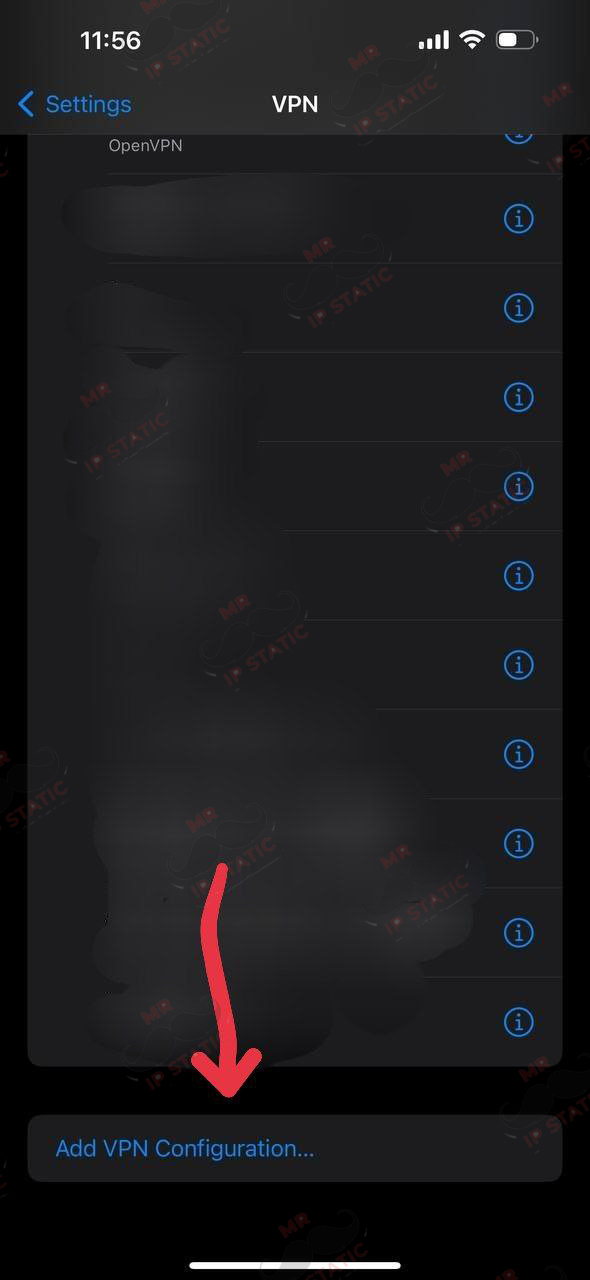
Select the Add VPN Configuration option.
2
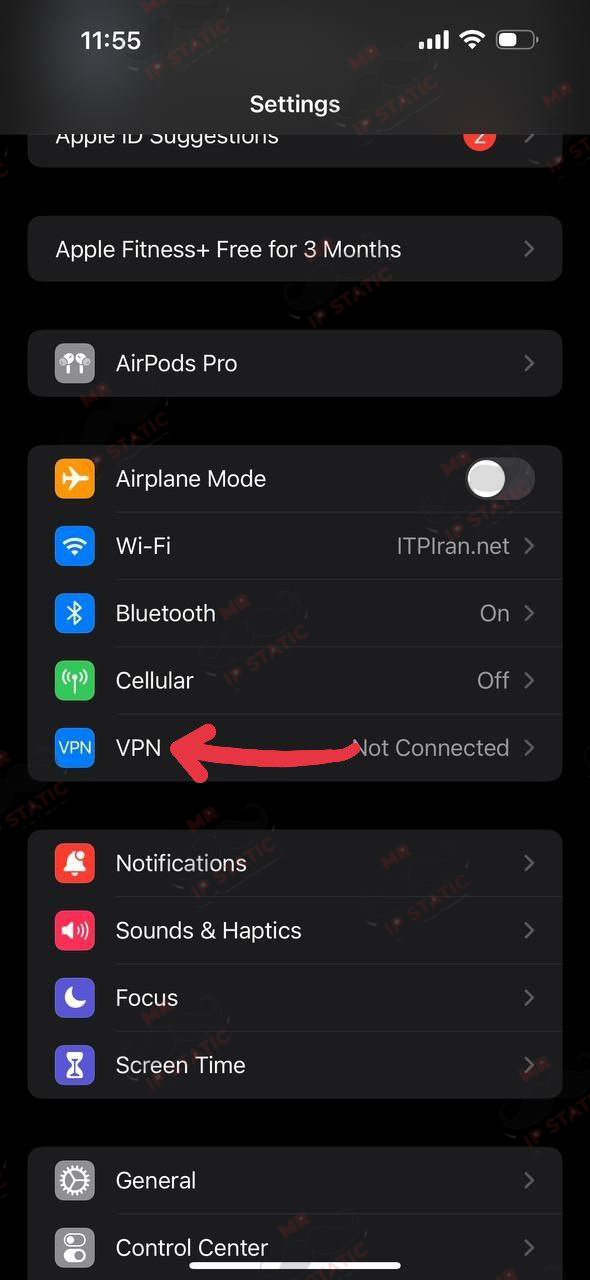
Log in to the VPN
1
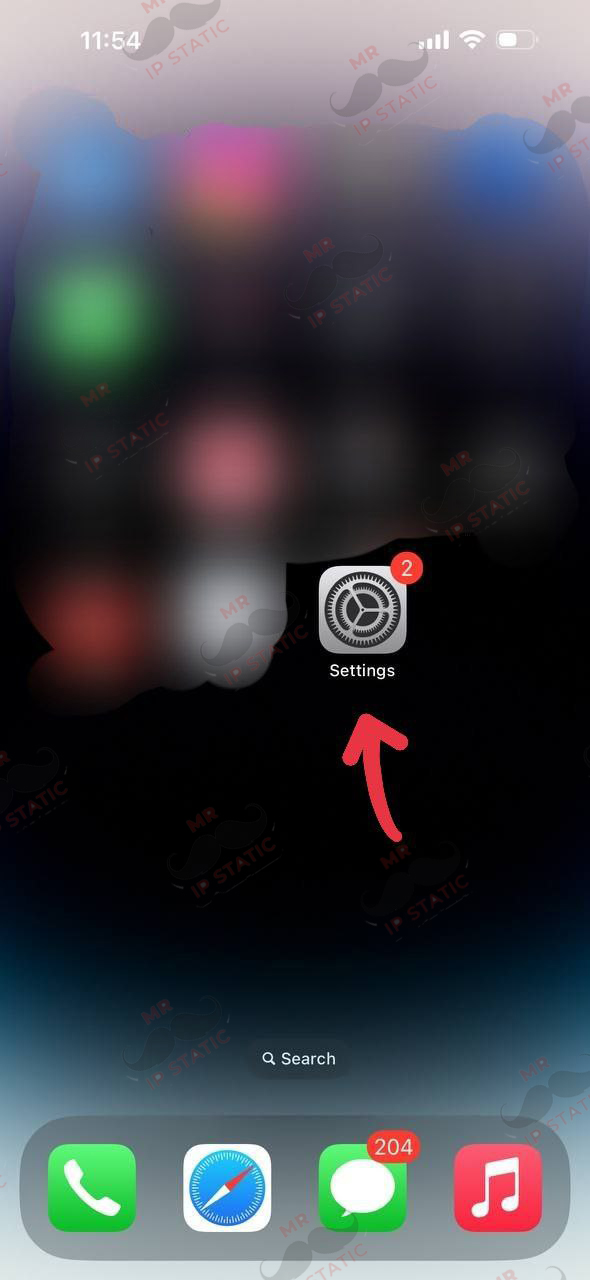
Go to mobile settings.
5
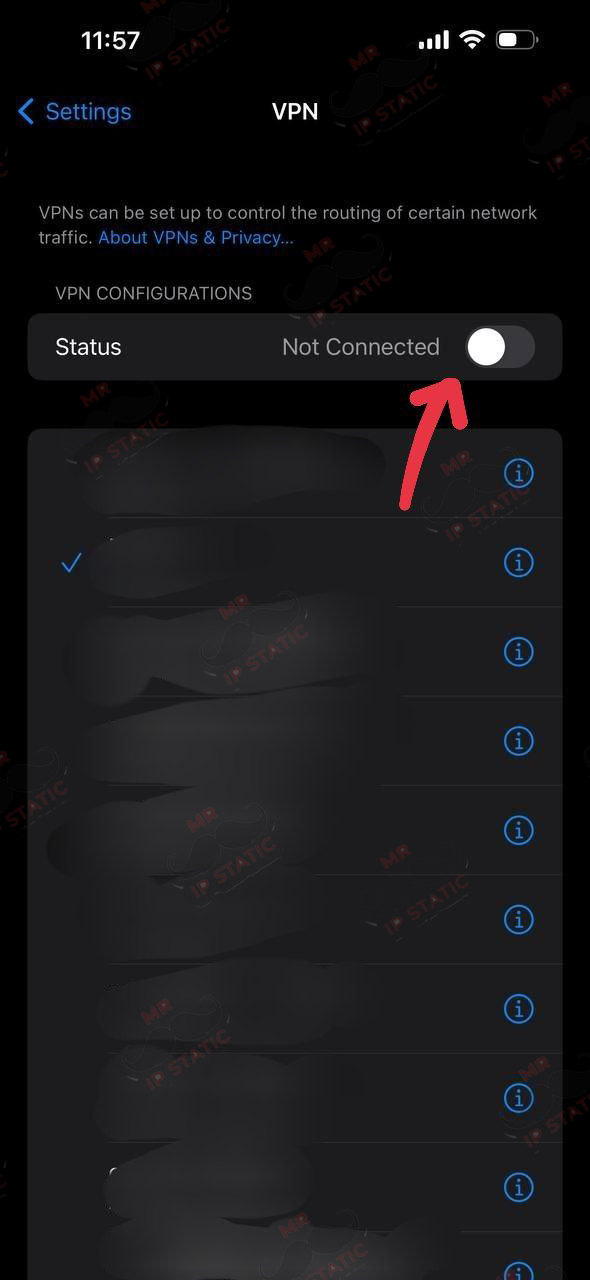
Activate your created config.
4
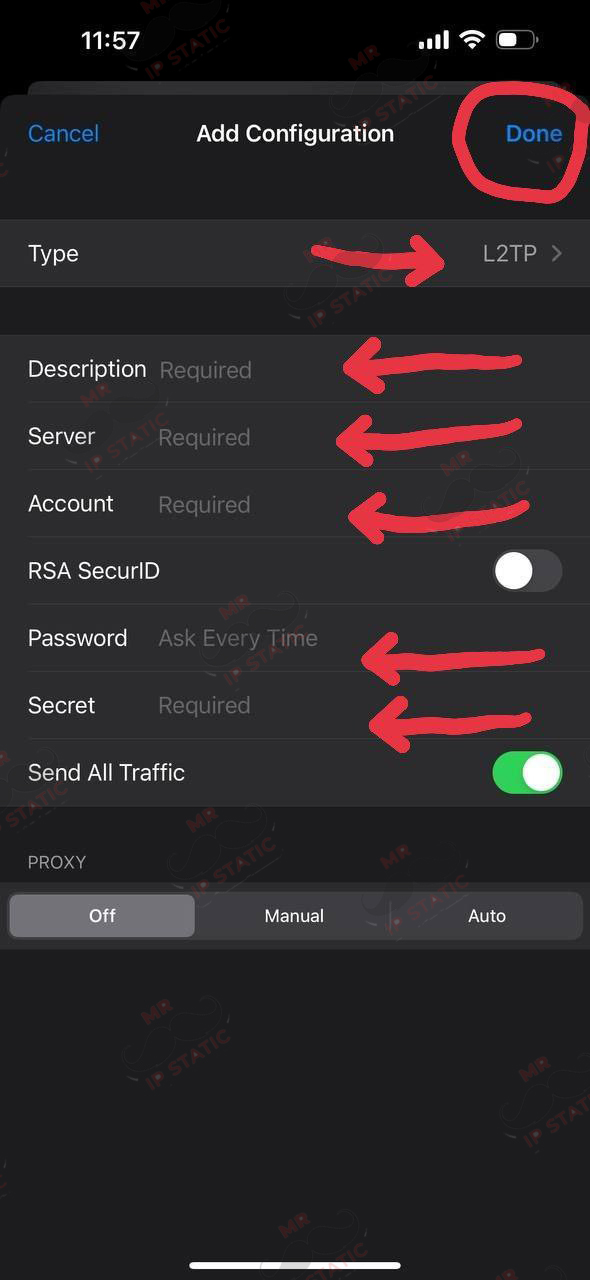
- L2tp:Type
- Description: Custom name
- Server: The server address you received from us, such as (br-static.site)
- Acount: The username you purchased
- Password: The password you received with your username.
- 123456 :Secret
- And at the top of the page, Done